
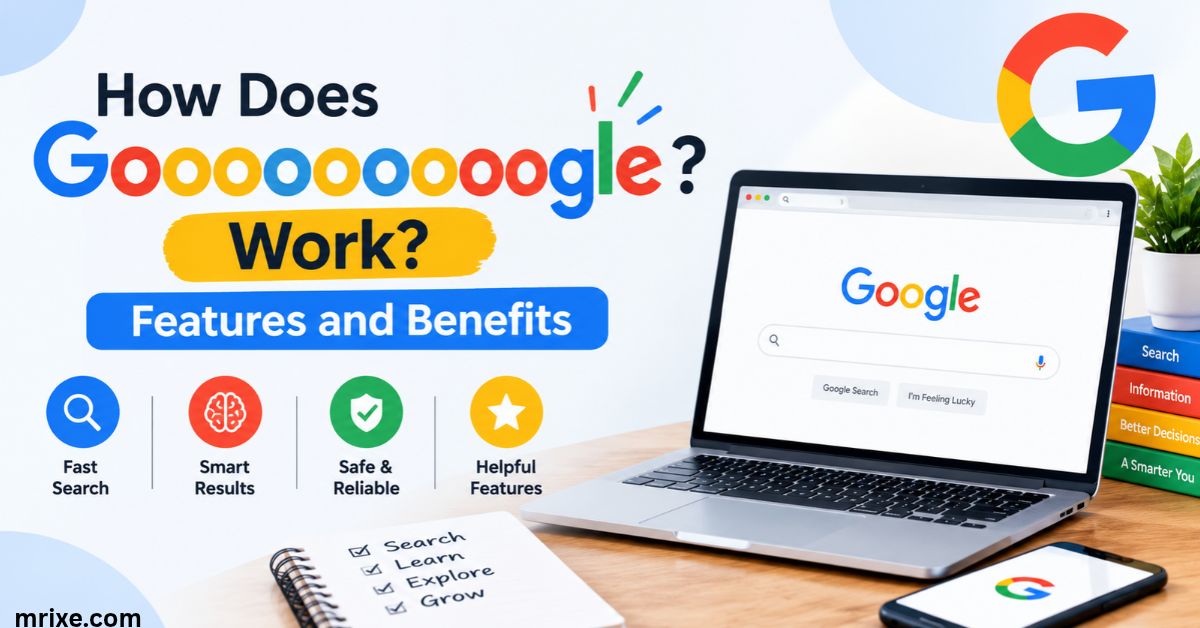
Remember the stretched Google logo at the bottom of every search page? It looked like someone had grabbed the word by both ends and pulled. Each extra “o” wasn’t decoration. It was a button.
That tiny design choice turned into one of the web’s most beloved quirks. People still search for gooooooooooooooogle today. Some want to know what it was. Others want to play with the bouncy version that fans built.
This guide covers both. You’ll learn how the old pagination worked, why Google ditched it, what replaced it, and how the interactive toy fits in. Everything here is grounded in confirmed facts and dates.
What Is Goooooooooooooogle?
Goooooooooooooogle is the nickname for the stretched Google logo that once guided people through search results. Instead of the usual two o’s, the word carried a whole row of them. Each o stood for one page of results.
Today the same word points to a second thing. Fans took the idea and built an interactive toy where you drag the letters and watch them wobble. So the term now covers a piece of Google history and a piece of internet fun.
The short definition
Here’s the quick version:
- The original: a pagination bar shaped like a stretched Google logo
- The purpose: jump to any of the first ten result pages with one click
- The modern spin-off: an unofficial, fan-made toy based on that design
- The status: the original is gone from the main results page while the toy lives on
How many o’s did it really have?
The row topped out at ten. That limit matched the number of result pages most searches offered up front. Click the third o and you landed on page three. Past page ten you used the “Next” link.
Spelling varies a lot online. You’ll see gooooogle written with five o’s and gooooooooooooooogle with fifteen. Fan sites often pick a number they like. The official design never went past ten.
Why Did Google Add Extra “O” Letters?
Google added the extra o’s to solve a practical problem. People needed a fast way to move between pages. The company turned its own logo into the answer.
The idea was simple and clever. Why build a separate navigation bar when the brand name already had a repeatable letter? Stretch the word and you get a free row of buttons.
A navigation trick that doubled as branding
The design did two jobs at once:
- It showed you how many pages were available.
- It reminded you whose search engine you were using.
Think of it like a bookmark that also carries a company logo. You use it and you remember it. That’s good design.
The googol connection
The name Google comes from “googol,” the number 1 followed by 100 zeros. Larry Page and Sergey Brin picked it to signal the huge amount of information their engine could organize. Before that, the project went by BackRub because it studied backlinks.
So a name built around enormous quantities grew a long row of o’s. The pairing feels almost too neat. Nobody has shown that Google designed the stretched logo as a deliberate nod to the googol. Still, the symbolism explains why people love it.
Google has always played with its o’s
Google treats its letters like toys. Two examples show the pattern.
September 2009: Google celebrated its 11th birthday with a misspelled logo that carried an extra “l” (Googlle). Within hours people searched for why Google had two l’s.
Early September 2009: a doodle showed a flying saucer hovering over the logo and “abducting” one of the o’s. The letters then formed crop circles. Clicking the doodle opened results about crop circles.
These stunts prove that stretching and bending the logo fit Google’s personality. The pagination row belonged to the same playful family.
How Does Goooooooooooooogle Pagination Work?
The system worked like a row of numbered doors. Each o opened one door. You scanned the row, picked a page, and clicked.
Let’s break the mechanics down.
Each “o” equals one page of results
The first o led to page one. The second led to page two. This continued up to ten. The current page appeared highlighted or marked so you knew where you stood.
Most pages showed about ten organic results. So the ten o’s gave you quick access to roughly the top 100 results for a search. Few people ever went that deep.
What happened after page ten
You reached the end of the row and found a “Next” link. Clicking it loaded the following page. From there the numbers shifted forward. This kept the interface compact even on long searches.
Features and benefits at a glance
The table below sums up what the design offered.
| Feature | What it did | Benefit to you |
|---|---|---|
| One o per page | Linked directly to a results page | Skip ahead without clicking “Next” repeatedly |
| Stretched logo | Replaced a plain number bar | Cleaner, more memorable look |
| Ten-o limit | Capped visible pages at ten | Kept the layout tidy |
| “Next” link | Continued past page ten | Reach deeper results when needed |
| Current page marker | Showed your position | Never lose your place |
Why some searches showed fewer pages
Not every search gave you ten pages. Some queries ran out of results early. Search industry writers noticed years ago that Google sometimes trimmed the number of pages as you clicked forward. You might see nine pages at first and then find yourself stuck around page five.
Google never framed this as a flaw in the logo. It reflected how the engine decides which results deserve to show. The takeaway is simple: the number of o’s told you how many pages Google was willing to show, not how many pages could exist.
What Happened to Goooooooooooooogle Pagination?
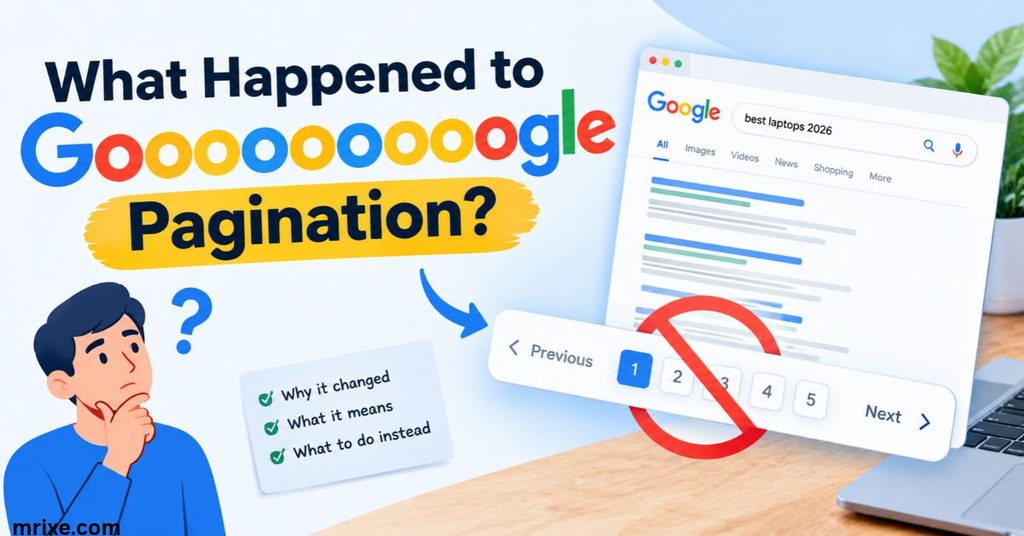
The stretched logo didn’t survive. Google replaced it with plain page numbers. After that the company experimented with endless scrolling and then walked it back.
The story has several chapters.
Numbered pages replaced the o’s
At some point the o-based bar gave way to a standard row of numbers. The change made the links easier to read and fit newer page designs. Pages still ran from one to ten.
I couldn’t confirm an exact date from Google itself. Most sources describe the swap loosely rather than pinning a day on it. That’s why this article doesn’t claim one.
Continuous scrolling arrives
Google then tried something bolder. It removed the page links and let results load as you scrolled.
- October 2021: continuous scrolling began on mobile search.
- December 2022: the feature reached desktop in English in the United States.
- Early limits: desktop showed up to six pages of results before the end.
- Opt-out: a “Disable infinite scrolling” link appeared in the footer.
Some users liked the smooth flow. Others disliked losing their place after clicking a link and returning.
Pagination comes back
Google reversed course in 2024. On June 25, 2024, the company ended continuous scrolling on desktop. Mobile followed in the months after.
Desktop users got a “Next” button and numbered pages again. Mobile users got a “More results” button. Google explained that the change lets it serve results faster. A company spokesperson said the old approach meant “automatically loading results that users haven’t explicitly requested.”
Google also said its tests showed continuous scroll didn’t raise satisfaction. That’s a notable admission. The flashy feature simply didn’t help people find answers better.
Pagination timeline
This table puts the key moments in order.
| Period | What Google used | Where |
|---|---|---|
| Early years | Stretched logo with clickable o’s | Desktop results |
| Later | Plain numbered page links | Desktop results |
| October 2021 | Continuous scroll | Mobile |
| December 2022 | Continuous scroll (English, US first) | Desktop |
| June 25, 2024 | Numbered pages and “Next” return | Desktop |
| Mid-2024 onward | “More results” button | Mobile |
Case study: the 2020 dancing logo test
Here’s a lesser-known twist. In June 2020, search watchers noticed a Google test on desktop. It removed the page numbers and added a “More results” button that worked like soft infinite scroll.
The fun part came next. When you clicked the button the Google logo shifted and danced. Google had been running the test for about a year before more people spotted it.
Why it matters: the test shows Google never stopped thinking about how the logo and pagination could work together. The old o’s lived on in spirit. The company kept pairing navigation with a bit of motion.
What Is the Interactive Goooooooooooooogle?
The interactive version turns the stretched logo into a toy. You grab a letter and pull. The whole word stretches like a spring and bounces back when you let go.
It doesn’t search anything. It exists purely for fun.
How the toy works
The page opens with a long logo stretched across the screen. Physics code handles the motion. Letters connect to each other like little springs. Gravity pulls them down and the springs pull them together.
That’s why the word wobbles instead of snapping back instantly. Each letter drags its neighbors along.
How to play
Follow these steps:
- Open an interactive gooooooooooooooogle page in your browser.
- Click or touch any letter in the word.
- Drag it away from the others and watch the row stretch.
- Release and watch the letters jiggle back into place.
- Try pulling different letters for different wobble patterns.
On a phone you use your finger. On a computer you use the mouse.
Is the bouncing version made by Google?
No. The toy is unofficial and fan-made. Google didn’t build it. One fan page credits the idea to a CodePen creation by a developer named Aleksandr and describes its own version as a tribute.
This matters for trust. Treat these sites like any other third-party page. Don’t enter personal details. The toy needs nothing from you except a few drags.
Does it have levels or a score?
Based on the versions I reviewed, no. There’s no timer or leaderboard. You pull and watch. If a site you visit adds scoring, that’s their own addition.
Why Might You Not See Goooooooooooooogle on Every Search Page?
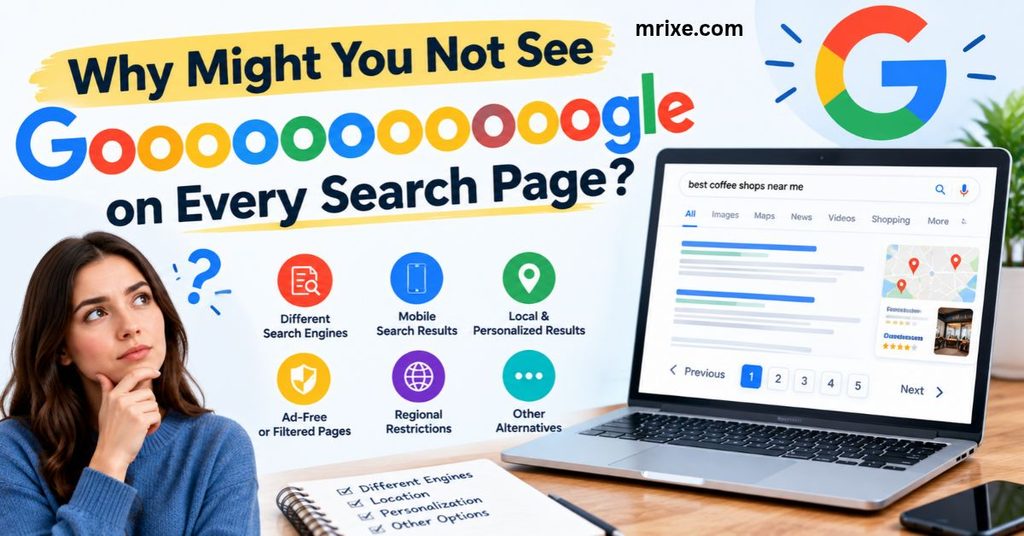
You almost certainly won’t see the original anymore. Several things explain that.
The design is retired
Google no longer uses the stretched-logo pagination on standard results. Numbers replaced it years ago. The current desktop layout uses a “Next” button and numbered links. Mobile uses “More results.”
Your device changes what you see
Screen size shapes the layout. A phone shows a compact “More results” button instead of a wide page bar. A laptop shows the full numbered row.
Result counts vary
Some searches don’t offer ten pages at all. Rare or narrow queries may stop after a few pages. So even in the days of the o’s, you didn’t always see all ten.
Quick checklist
- Old logo missing? It’s retired.
- No page numbers on your phone? Look for “More results.”
- Fewer than ten pages? The search ran out of results to show.
- Seeing an extra-long logo online? It’s probably a fan site or toy.
Is Goooooooooooooogle Still Worth Knowing About?
Yes. It teaches you something real about how search works. It also gives you a harmless way to kill two minutes.
Real benefits
Historical value. The stretched logo shows how Google solved navigation in an earlier web era. Designers still study playful interface ideas like this.
SEO context. Pagination changes affect which sites get clicks. When Google used continuous scroll, results lower on the page got more visibility. With numbered pages back, lower-ranked sites may see less of that benefit. Site owners watch these shifts closely.
Entertainment. The toy gives you a quick stress-free break. It needs no sign-up and no learning curve.
Case study: what the pagination swings taught the industry
Look at the pattern from 2021 to 2024:
- Google introduced endless scroll to make browsing feel smoother.
- Testing found no gain in satisfaction.
- Google returned to numbered pages and said it could serve results faster that way.
The lesson: a feature that feels modern isn’t always better. Sometimes the old, simple tool wins. The o’s and the numbered bar both gave people control. You chose when to load more.
Where the toy fits
Think of the interactive version as a small museum piece you can touch. It preserves the look of an old design and adds physics for fun. Nothing about it affects how real Google search works.
Tips for Navigating Google Search Results Today
The o’s are gone but you can still move quickly through results. These habits help.
Use the page links
On desktop, click a number to jump straight to that page. You skip the repeated “Next” clicks. It’s the modern cousin of the old o row.
Tap “More results” on mobile
Scroll to the bottom and tap the button. Results load when you ask for them. That saves data and speeds up the page.
Refine instead of digging
Most people find answers on the first page. If you’re on page four, try a sharper query. Add a specific word or a date. Put exact phrases in quotes.
Quick comparison
| Method | Best for | Drawback |
|---|---|---|
| Numbered pages | Jumping to a specific page | Needs a click per page |
| “Next” button | Moving one page at a time | Slow for deep searches |
| “More results” (mobile) | Loading extra results on a phone | Longer scroll on the same page |
| Refined query | Finding answers faster | Takes a moment to rephrase |
Conclusion
Goooooooooooooogle started as a clever navigation bar. Each stretched o took you to another page of results. Then Google swapped it for plain numbers and later tried endless scroll before bringing pages back in 2024.
Today the term lives on through a fan-made bouncing toy. It isn’t an official Google product. It doesn’t offer levels or scores. It does offer a fun reminder of how playful search once felt.
So the next time you click “Next” at the bottom of a results page, remember the stretched logo. It earned its place in web history one o at a time.
FAQs
What does Goooooooooooooogle mean?
It names the stretched Google logo once used for pagination. Each extra o linked to a page of search results. The word also describes a fan-made toy based on that design.
Why were the extra “o” letters on Google?
They worked as page links. Google stretched its own name to create a row of buttons. Ten o’s gave quick access to the first ten pages.
Does Google still show the o pagination?
No. Google replaced it with numbered pages. Desktop now shows page numbers and a “Next” button. Mobile shows a “More results” button.
Can I drag the letters in Goooooooooooooogle?
Yes, on the interactive fan-made versions. Click or touch a letter and pull. The word stretches like a spring and bounces back when you let go.
Is interactive Goooooooooooooogle an official Google game?
No. Fans built it as a tribute to the old design. Google doesn’t run or endorse these pages.
Does Goooooooooooooogle have levels or a score?
The versions reviewed have neither. It works as a toy and not a game. You pull the letters and watch them settle.
When did Google end continuous scrolling?
Google ended it on desktop on June 25, 2024. Mobile switched to a “More results” button in the following months.
How many results pages could the o’s reach?
Ten pages. Each page held roughly ten results so the row covered about the top 100. Beyond that you used the “Next” link.

Nathan Cooper is a humor writer who enjoys creating clever puns, witty jokes, and lighthearted content that brings smiles to readers. He loves sharing fresh, family friendly humor that’s fun, engaging, and easy to enjoy.